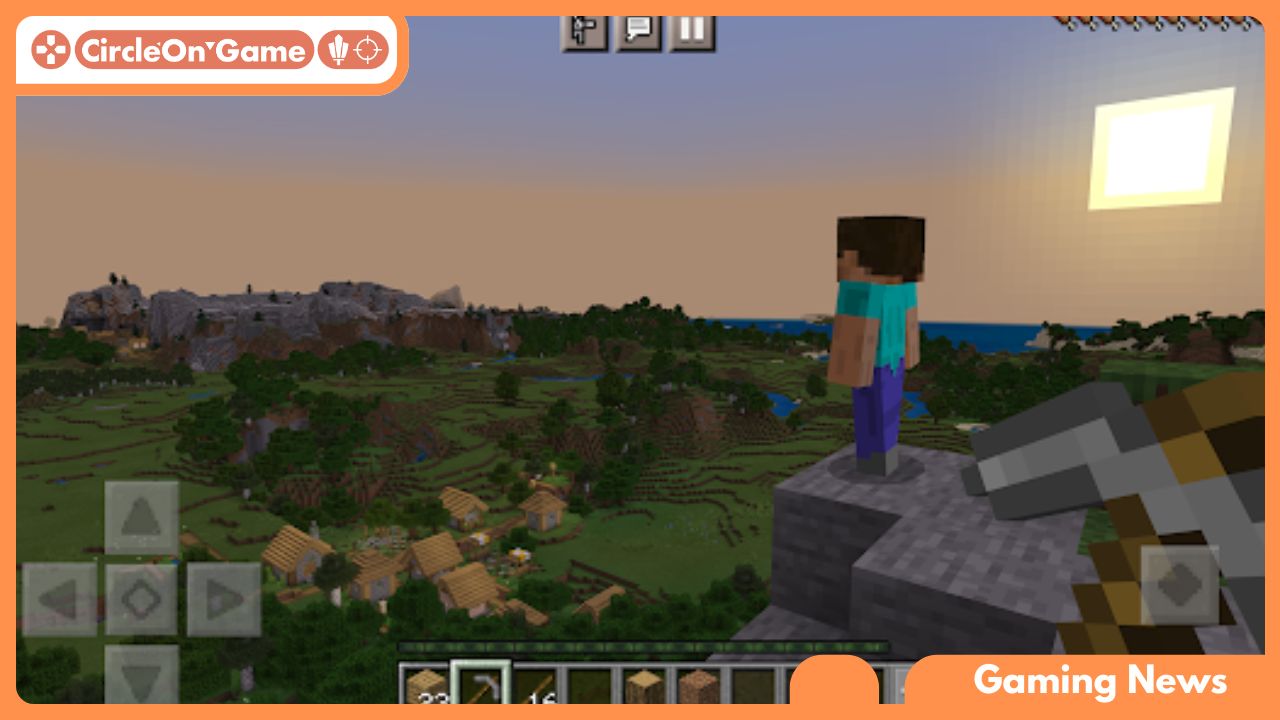

As gaming increasingly connects various platforms, an intriguing question arises for enthusiasts of the iconic block-building game: Is it possible for Minecraft mobile users to team up with PC gamers in Minecraft? The vast pixelated landscapes of Minecraft invite millions to craft, explore, and survive together, amplifying the call for cross-platform gaming. This article takes a closer look at Minecraft’s multiplayer landscape, highlighting the opportunities and restrictions for Minecraft mobile players. From overlapping servers to distinct ecosystems, we will examine the mechanics of connectivity to determine if gamers on mobile devices can truly unite with their PC-playing friends. Join us as we venture into the fascinating realm of multiplayer gaming, where each block placed represents progress toward enriching collaborative play.
Cross-Platform Features in Minecraft
The expansive Minecraft universe offers a playground where creativity reigns supreme. One of the most captivating features is its ability to support cross-platform play, enabling a unified experience for gamers across a range of devices. Minecraft Mobile users can align with friends playing on PCs as long as everyone is participating in the Bedrock Edition of the game. This particular edition facilitates cross-play, effectively linking players from different platforms and nurturing a more diverse gaming community. The ease of joining a game from a mobile device while working together with PC players fosters social interactions and shared experiences, regardless of the device being used.
However, it’s crucial to recognize that not all Minecraft versions allow for this cross-platform capability. The Java Edition, favored by numerous PC gamers, functions independently and does not support interactions with Minecraft mobile players or those on gaming consoles. This distinction requires players to select their version wisely, based on their desired social gameplay experience. The advent of cross-play has significantly altered the Minecraft landscape, making the game more inclusive and enabling diverse players to share their creations and embark on adventures together, transcending their chosen platforms.
Read More: The Ultimate Steam Deck Upgrade Guide!
Unpacking Interactions Between Mobile and PC Players
The interactions between Minecraft mobile and PC gamers in Minecraft are a subject of keen interest within the gaming community. The excitement of seamlessly collaborating with friends across different devices elevates the gaming experience. Traditionally, Minecraft mobile and PC players inhabited separate spaces; however, Minecraft has bridged this divide with the Bedrock Edition that allows shared gaming experiences. This means that whether you’re constructing intricate designs on your mobile device or venturing across expansive terrains on a high-performance PC, collaboration is possible, cultivating a vibrant community rich in creativity.
That said, cross-platform play does come with some challenges. While the core gameplay remains largely intact, Minecraft mobile players may face discrepancies in performance and controls compared to the more powerful PC setup. Touchscreen controls can vary significantly from mouse-and-keyboard configurations, potentially affecting precision during detailed building tasks or intense combat situations. Nonetheless, this amalgamation of platforms embodies the essence of Minecraft—bringing players together, igniting creativity, and promoting teamwork, irrespective of the devices at hand. The game’s emphasis on community interaction encourages players to embrace these differences and enjoy the collaborative journey.
Enhancing Your Minecraft Mobile Multiplayer Experience
To maximize your enjoyment in multiplayer adventures on Minecraft mobile, particularly in a beloved game like Minecraft, it is vital to optimize device settings and ensure stable network connectivity. Begin by closing any unnecessary applications running in the background, allowing your device to allocate its resources more efficiently to the game. Regularly clearing your mobile device’s cache can also help improve performance, reducing lag during those critical moments of collaboration or exploration. Tweaking the graphics settings in Minecraft—such as lowering render distance and quality—can enhance performance while still maintaining the game’s immersive visual appeal.
A stable internet connection is crucial when connecting with PC players in multiplayer games. Relying on a robust Wi-Fi network is advisable, as cellular data can introduce unpredictable latency spikes. If you face frequent disconnections or experience lag, consider investing in a Wi-Fi range extender or positioning yourself closer to your router. Additionally, opting for a mobile device equipped with a strong processor and current operating system can greatly elevate your gameplay experience, leading to smoother interactions and less frustrating instances of character freezing. Keeping your game updated ensures compatibility with PC players and enriches your overall multiplayer experience.
Achieving Seamless Gameplay Across Platforms
For an enjoyable and fluid gaming experience across different devices, it is imperative that all participants are utilizing the same version of Minecraft. Compatibility between Minecraft mobile and PC versions is simplified with the Bedrock Edition, which creates a unified gameplay experience. Regularly updating to the latest patches can enhance functionality and reduce the occurrence of bugs that detract from your experience. Additionally, adjusting settings like graphics and controls based on your platform can lead to a more streamlined interaction, allowing players to immerse fully in the game’s adventures.
Another critical factor is the use of a dependable internet connection to prevent lag and disconnections during gameplay. For Minecraft mobile users, this typically means opting for a reliable Wi-Fi connection rather than depending on cellular data—which can often be inconsistent. When preparing for multiplayer sessions, communicate with your friends about the specific servers or worlds you intend to explore, ensuring everyone is aligned. This level of preparation transforms a disjointed experience into a cohesive one, enabling seamless collaboration or competition among players on various platforms.
Looking Ahead
In the dynamic landscape of Minecraft, boundaries are continually expanding as players search for new modes of connection and exploration. As discussed throughout this article, the interplay between mobile devices and PC gamers fosters an impressive level of cross-platform interaction, albeit with particular limitations. Whether you’re constructing intricate castles on a smartphone or embarking on quests from a powerful desktop setup, the spirit of collaboration and creativity shines brightly.
As mobile technology advances and developers focus on enhancing player experiences, the prospect of a more interconnected gaming realm seems promising. So, whether you’re bringing your next creative vision to life while on the go or collaborating with friends at home, remember that every block built brings you closer to a shared adventure in the imaginative world of Minecraft. Grab your pickaxe, build alliances, and unleash your creativity—because in Minecraft, the world is yours to mold, no matter the platform. Happy crafting!