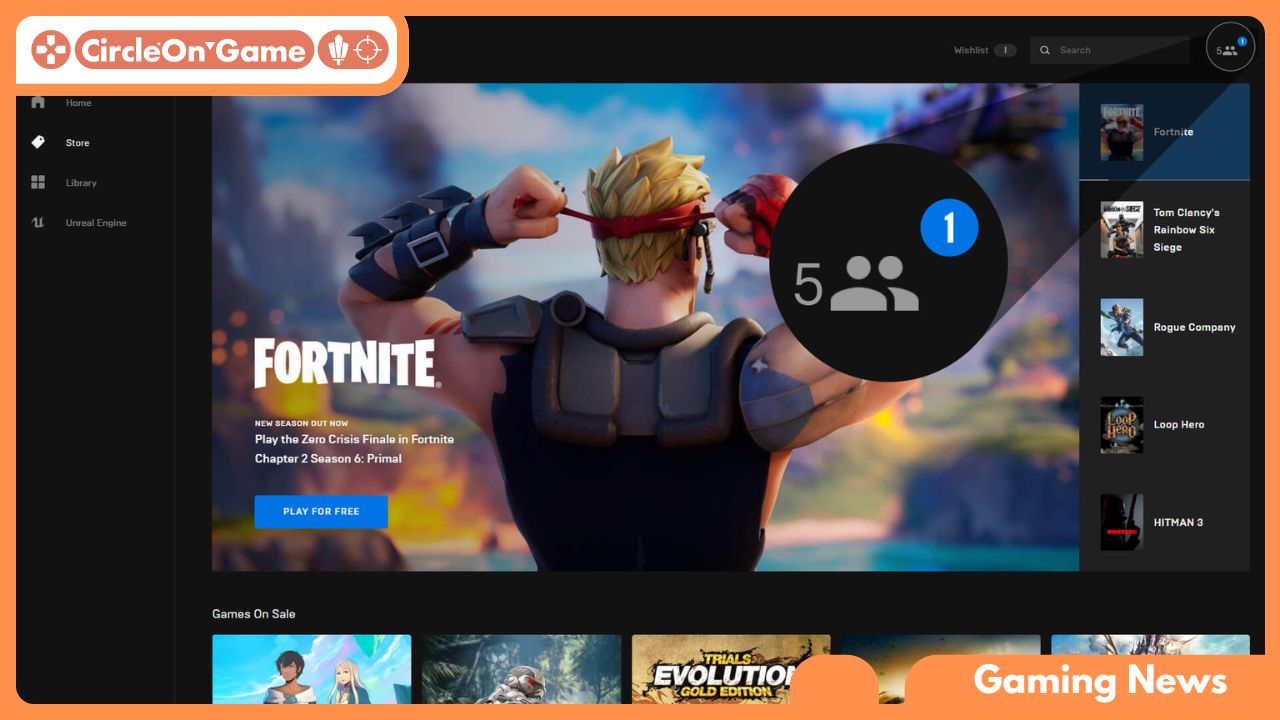

In a rapidly evolving digital realm filled with gaming options, the Epic Games Launcher emerges as a portal to some of the most captivating and thrilling adventures currently on the market. Whether you are an experienced gamer eager to dive into the latest releases, or a beginner excited to explore the rich universe of interactive entertainment, knowing how to properly set up this impressive platform is essential for embarking on countless adventures. With its intuitive design and a library boasting highly praised exclusives alongside cherished classics, the Epic Games Launcher invites users into a boundless gaming universe. This article will provide you with a straightforward yet critical guide to installing the Epic Games Launcher, ensuring that you’re well-prepared for your next gaming journey. Get your device ready, and let’s begin!
System Requirements for the Epic Games Launcher
To truly appreciate the wide array of features and games provided by the Epic Games Launcher, it’s important to confirm that your system meets the requisite specifications. While the application is designed to function efficiently across various platforms, having the necessary setup can significantly improve your overall experience. For Windows users, ideal specifications typically include a contemporary multi-core processor, at least 8GB of RAM, and a graphics card that supports DirectX 11. On the other hand, macOS users should have an up-to-date version of macOS (10.9 or newer) combined with similar performance capabilities, ensuring that the launcher runs smoothly without interruptions.
Alongside hardware requirements, it is also crucial to consider factors such as your internet connection speed and available disk space. A reliable broadband connection is essential to download games, updates, and additional content seamlessly. Ensure you have adequate storage—approximately 15GB of free space is a good baseline—given that games often require significant space. By satisfying these system specifications, you lay the groundwork for a smooth installation and an enjoyable gaming experience with the diverse offerings of the Epic Games Launcher.
Read More: Evolution of First-Person Shooters: Unraveling the Thrilling of Long-Lasting Genre
Detailed Instructions for Downloading the Epic Games Launcher
To kickstart your adventure into the gaming landscape available through the Epic Games Launcher, the initial step is to visit the official Epic Games website. Open your favorite web browser and type in the URL www.epicgames.com. Upon reaching the homepage, you will spot the prominently displayed “Get Epic Games” button. Clicking this button will commence the download process, resulting in a file being saved to your device. Be sure to take note of where the file is saved, as you will need it in the next steps.
Once the download is complete, find the installer file, which typically resides in your “Downloads” directory or the designated location you’ve set for saved files. Double-clicking on the installer will launch the setup process, where you can follow the on-screen prompts guiding you through the installation steps. You may be required to accept the terms of service and select your preferred installation directory. After the installation concludes, the Epic Games Launcher will be ready for use. Simply open the application, log in, or create a new Epic Games account to gain complete access to an expansive library filled with games, exclusive promotions, and a lively gaming community.
Installing with Assurance
Though the installation of the Epic Games Launcher may seem intimidating, especially for first-time users of game downloading platforms, the process is quite simple when divided into easy-to-follow steps. Begin the journey by heading to the official Epic Games website and navigating to the download section. Once you start the download, a small file will appear on your device, prompting you to proceed with the next step. By double-clicking this file, the setup wizard will open, guiding you through necessary permissions and agreements. Be attentive to the installation dialogue; this phase allows you to customize the installation directory according to your preferences.
As the setup continues, the wizard may verify system compatibility, making sure your device meets the requirements for an optimal gaming experience. Depending on your connection speed, this stage could take a little while, leading you to a screen filled with anticipation. Exercise patience, for once the wait ends, you’ll be greeted with the well-known interface of the Epic Games Launcher. Log in using your Epic Games credentials or establish a new account if you’re entering their gaming ecosystem for the first time. This moment marks the exciting beginning of your gaming journey, unlocking a treasure trove of titles waiting to be explored.
Optimizing Settings for Peak Performance and Gameplay
For an enhanced gaming experience with the Epic Games Launcher, it’s essential to configure your settings for optimal performance. Begin by adjusting the download speed cap within the launcher’s settings to ensure that the bandwidth allocated for downloads won’t interfere with your gameplay, especially during intense multiplayer matches. Additionally, consider turning on hardware acceleration, if your system supports it, to improve the launcher’s performance, allowing for smoother transitions while downloading, updating, and playing your favorite titles.
Moreover, customizing in-game settings for each game is crucial for maximizing gameplay comfort. Access the settings menu in your chosen titles to adjust graphics options, controls, and sound levels to fit your system’s capabilities. Lowering the resolution or disabling resource-heavy graphical effects like anti-aliasing can remarkably elevate frame rates without compromising the overall enjoyment. Periodically updating your graphics card drivers and ensuring your system meets the recommended specifications of your games can further boost performance, leading to a more fluid and immersive gaming experience overall.
Final Thoughts
The installation of the Epic Games Launcher is a simple yet significant process that opens access to a vast array of gaming opportunities. With just a handful of straightforward steps, you can tap into an impressive collection of titles, special discounts, and exhilarating new releases. Whether you’re a veteran gamer or just starting out, the Epic Games Launcher offers the necessary tools and access for a fulfilling gaming experience. So, prepare yourself, follow this guide, and dive into your preferred virtual worlds with the convenience that the Epic Games Launcher provides. Your next gaming adventure is just a click away! Happy gaming!