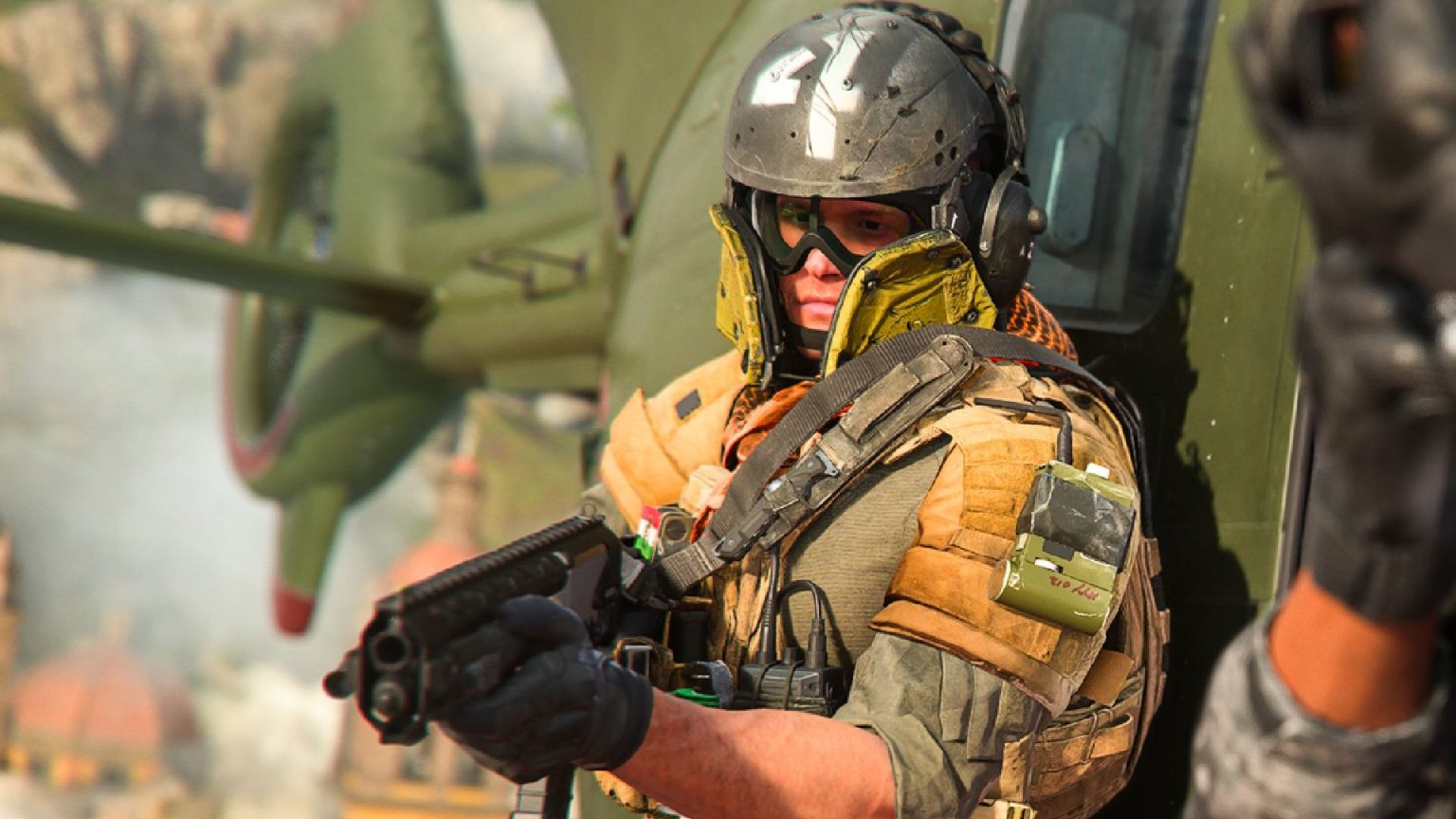

Are you ready to dive back into the action-packed world of Modern Warfare 2 with a buddy by your side? Split-screen gaming is a fantastic way to enjoy the thrill of combat while sharing the experience with friends and family in the comfort of your own living room! Whether you’re strategizing your next move or simply enjoying some friendly competition, this guide will walk you through the steps to set up split-screen play in Modern Warfare 2. So grab your controllers, settle in, and let’s explore how you can team up for epic gaming sessions filled with laughter and excitement!
Getting Started with Split Screen in Modern Warfare 2

To kick things off with split screen in Modern Warfare 2, ensure that you have a console that supports this feature, either on PlayStation or Xbox. Once you’ve got everything set up, follow these simple steps to get your game on:
1. Connect Controllers: Make sure both controllers are powered on and connected to your console.
2. Start the Game: Launch Modern Warfare 2 from your dashboard.
3. Select Split Screen: From the main menu, choose the Split Screen option.
4. Log In: Player 2 will need to sign in with their account or as a guest.
5. Choose Game Mode: Once both players are logged in, select your preferred game mode and get ready to dive into the action!
Be aware that playing in split screen might slightly alter your experience, but it’s all part of the fun of teaming up with friends! Communication is key, so make sure to coordinate strategies to outsmart your opponents. Here’s a quick look at some modes you can enjoy while playing together:
| Game Mode | Description |
|---|---|
| Team Deathmatch | Compete with another team to get the most kills. |
| Domination | Capture and hold zones to score points. |
| Kill Confirmed | Collect dog tags after eliminating enemies. |
Setting Up Your Console for Maximum Fun
To get the most out of your gaming experience in Modern Warfare 2, start by ensuring that your console is appropriately configured. Begin by checking all necessary connections—make sure your HDMI cable is securely plugged in, and any other necessary peripherals are attached. Next, head to the settings menu of your console. Here are some key adjustments to consider:
Display Settings: Set your resolution to the highest supported by both your console and TV for optimal visuals.
Audio Settings: Adjust the audio output to match your setup, whether you’re using TV speakers, headphones, or a surround sound system.
Controller Configuration: Customize your controller settings for comfort, including button remapping and sensitivity adjustments.
Once your console is ready, it’s time to dive into the game settings for split-screen mode. Remember to have an extra controller charged and connected. Navigate to the multiplayer section and look for an option that allows you to add players. Here’s a quick checklist to facilitate your split-screen setup:
| Step | Description |
|---|---|
| Connect Extra Controller | Plug in or sync your second controller before entering the game. |
| Select Multiplayer Mode | Choose the split-screen option from the main multiplayer menu. |
| Choose Maps and Modes | Pick your favorite maps and game modes to start the action! |
Mastering Teamwork Strategies for Split Screen Success
To excel in split screen gameplay, focus on establishing clear communication with your teammate. Utilize headsets for seamless audio exchange and strategize in real-time. This enhances your ability to react quickly to enemy movements and coordinate attacks. Create an understanding of each player’s strengths; for instance, if one excels in sniping while the other prefers close combat, tailor your roles accordingly. This way, you complement each other naturally, resulting in a more fluid and dynamic gaming experience. Additionally, remember to regularly assess the battlefield together, providing updates on enemy positions and potential threats.
Another key to successful teamwork lies in practicing synchronization. Engaging in organized drills can significantly boost your efficiency. Consider adopting the following practices to enhance your synergy:
Establish designated safe zones for regrouping.
Practice specific maneuvers, like flanking or baiting.
Set up watch points where each player can cover the other’s blind spots.
Here’s a simple table summarizing essential teamwork strategies:
| Strategy | Description |
|---|---|
| Clear Communication | Use headsets and develop a lingo for quick updates. |
| Role Assignment | Define each player’s strengths to cover all areas. |
| Regular Drills | Practice tactics to enhance reaction time and coordination. |
Enhancing Your Gameplay Experience with Tips and Tricks
To make the most of your split-screen experience in Modern Warfare 2, it’s essential to optimize your game settings for comfort and visibility. Begin by adjusting the brightness and contrast levels to enhance the visuals on both screens, ensuring you can clearly see the action without straining your eyes. Don’t forget to change the field of view (FOV) settings to provide a wider perspective, allowing you to spot enemies from greater distances. Lastly, consider the audio settings as well; adjusting the sound balance can help you better coordinate with your teammate by clearly hearing footsteps or other players’ movements.
Communication is vital when teaming up with a friend, so utilize in-game voice chat or pair up with an external communication tool like Discord. To further streamline your teamwork, create a strategy list to cover roles, objectives, and map routes before diving into a match. You can lay out this information in a simple table for quick reference:
| Role | Objective | Map Route |
|---|---|---|
| Assault | Push forward | Left flank through the buildings |
| Support | Cover fire | High ground near the bridge |
| Sniper | Long-range defense | Rooftop vantage point |
By combining strategic planning with effective communication, you can elevate your gameplay experience, ensuring that both players are in sync and ready to dominate the battlefield together!
Q&A
Q1: What is split screen gaming in Modern Warfare 2?
A1: Split screen gaming allows two players to enjoy Modern Warfare 2 on the same console, sharing the screen while battling it out in various game modes. It’s a fantastic way to team up with friends or family and experience the thrill of gaming together right in your living room!
Q2: How do I set up split screen on Modern Warfare 2?
A2: Setting up split screen is easy! 1) Start by connecting a second controller to your console. 2) Launch Modern Warfare 2 and navigate to the main menu. 3) Once you’re on the menu, press any button on the second controller to join the game. 4) Now, both players can select their preferred settings and dive into the action. Remember, teamwork makes the dream work!
Q3: Can I play all game modes in split screen?
A3: Yes, most game modes support split screen! You can enjoy Multiplayer matches and local co-op modes together. However, some modes may have limitations when playing in split screen, so make sure to check the specific details for each game type to ensure maximum fun!
Q4: Is there a limit to how many players can participate in split screen?
A4: Split screen mode typically allows for two players to join in on the action on the same screen. If you’re itching for larger team play, you can always team up with other friends online once you’re warmed up in split screen!
Q5: Do I need an active subscription to play split screen?
A5: No active subscription required for split screen play! You can enjoy the game in local mode without needing to connect to any online services. Just grab your controller and get ready for some friendly competition!
Q6: What should I keep in mind for the best split screen experience?
A6: Here are a few tips for an enjoyable split screen experience:
- Screen Size: A larger TV can improve visibility for both players.
- Controller Settings: Adjust sensitivity settings individually for each player if needed for comfort.
- Communication: Team up and strategize! A little teamwork can go a long way in achieving victory.
- Snacks & Drinks: Keep those on hand to fuel your gaming sessions—what’s a gaming night without munchies?
Q7: Any final thoughts on split screen gaming?
A7: Absolutely! Split screen gaming is all about having fun and bonding with your friends. So grab those controllers, pick your favorite loadouts, and dive into the thrilling action of Modern Warfare 2 together. Happy gaming! 🎮✨
Final Thoughts
diving into split screen mode on Modern Warfare 2 is a fantastic way to team up with friends and elevate your gaming experience to new heights. Whether you’re strategizing your next move or just having a blast shooting through the enemy lines together, this feature brings an exciting social element to your gameplay. So gather your friends, grab some snacks, and get ready for action-packed gaming sessions right from your living room. Remember, communication and teamwork are key, so don’t be afraid to share tips and celebrate each other’s victories! Now that you know how to set everything up, it’s time to jump into the battlefield and make some unforgettable memories. Happy gaming!